> For the complete documentation index, see [llms.txt](https://docs.dbnetsoft.com/dbnetsoft/llms.txt). Markdown versions of documentation pages are available by appending `.md` to page URLs; this page is available as [Markdown](https://docs.dbnetsoft.com/dbnetsoft/idcampro/configuration/timing/fds-devices.md).
# FDS Devices
FDS uses a TAG Heuer compatible timing protocol, therefore this implementation works for both FDS and Tag Heuer devices alike.
### Configuration
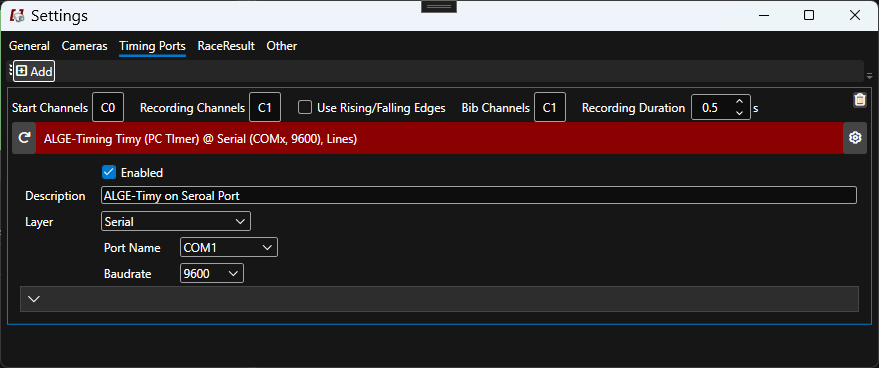
Channels range from 1 to 99, usually being 1 the start and 2 at the finish. The meaning of each setting is described [here](https://dbnetsoft.github.io/IDCamProDocumentation/configuration/timingdevices/).
Manual button impulses are marked with an M in front of the channel number, e.g. M1 for a button push on the first channel.
| Key | Values | Default |
| ------------------ | -------- | ------- |
| Start Channels | `1`-`99` | `1` |
| Recording Channels | `1`-`99` | `2` |
| Bib Channels | `1`-`99` | `2` |